Encryption
1:1 conversations are end-to-end encrypted by default. Therefore, setting up a key backup and verifying all self-used client devices is strongly recommended.
Whether you encrypt a created room should be carefully considered and cannot be undone. By default, all rooms are end-to-end encrypted. You can disable this when creating a room.
For large or public rooms, verifying all conversation partners can take a lot of time.
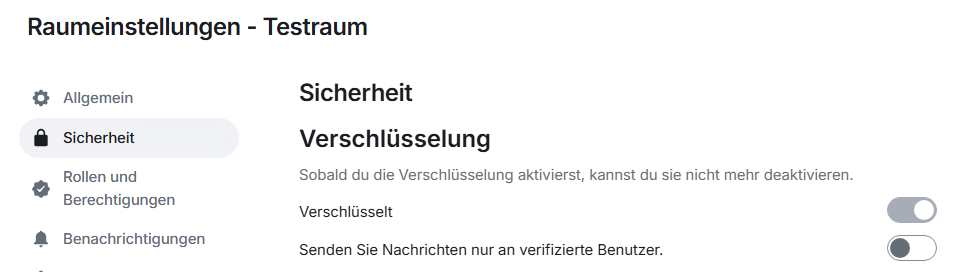
An unencrypted room can also be encrypted afterwards via the room settings, if desired. Once a room is encrypted, messages can only be read by the participants involved in the conversation.
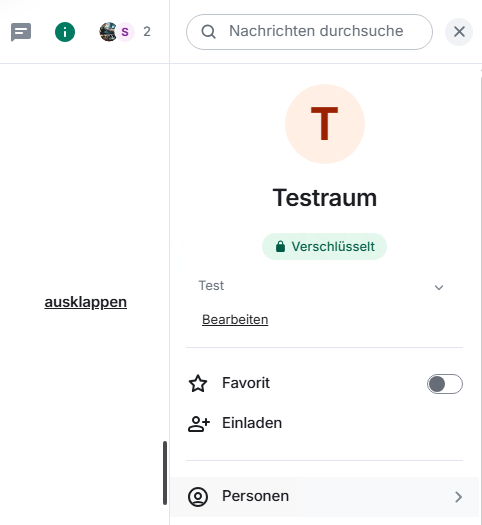
After activating encryption for the created room, encrypted exchange can begin.
If you want to verify the correctness of the keys and check trustworthiness, expand the person symbol in the upper right sidebar:
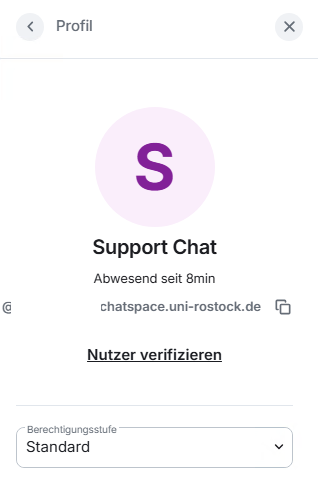
The involved persons are displayed under "People." Click on a contact and initiate key verification by clicking "Verify."
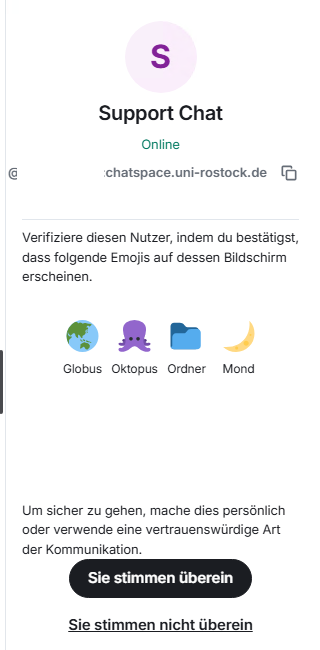
By clicking "Start verification," the other party is notified, and after confirmation, the verification with emojis can begin.
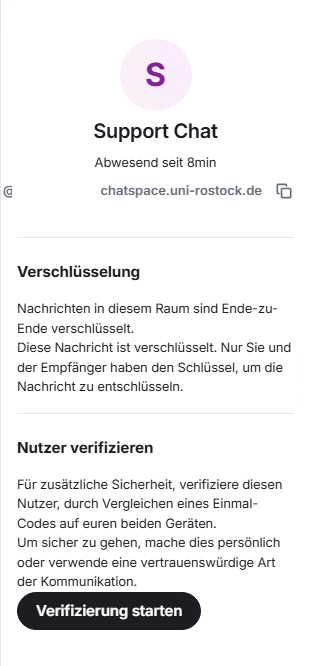
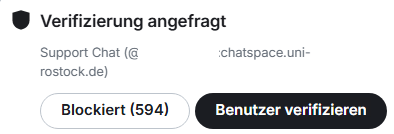
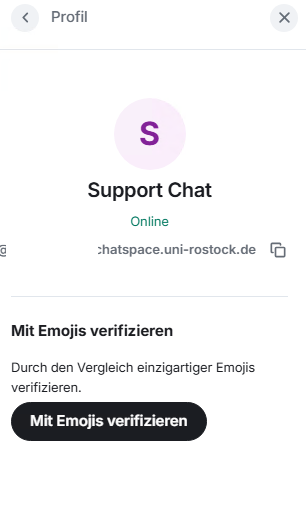
The verification should be done with the conversation partner by comparison (e.g., via phone, in the same room, etc.).
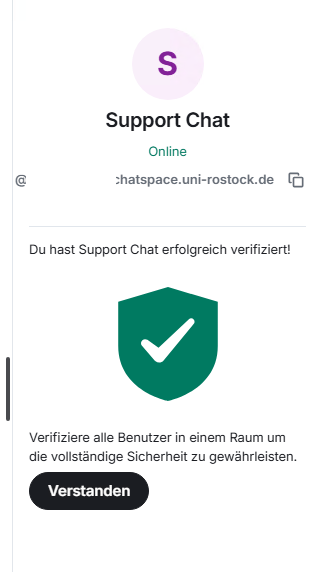
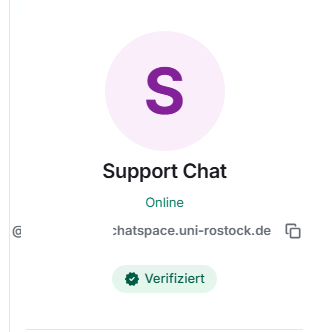
After successful verification of the emojis, the person is shown as verified. This process must be done separately for each participant.
Note: The comparison is done via emoji images or QR codes, depending on the device, and icons can look different. The translation is also not always 100% accurate.